Self-Paced Online Learning
Learn on your own accord, wherever you want, whenever you want.

4 Instalment Plan on checkout
You have the option to choose from four easy instalment plans.

14 Days Money Back Guarantee
Hassle-free guarantee on purchase, ensuring quality & your peace of mind.
Self-Paced Online Learning
Learn on your own accord, wherever you want, whenever you want.
4 Instalment Plan on checkout
You have the option to choose from four easy instalment plans.
14 Days Money Back Guarantee
Hassle-free guarantee on purchase, ensuring quality & your peace of mind.
Course fee
77% OFFRegular price: £125
Sale price: £29
Instalment Options Available


Animations needn’t take a long time to create nor be difficult to accomplish. In this Animated Presentations in AE Course, you can find an easy way to set up and build any kind of animation in After Effects.
In this course, you will learn how to organise your files, work with texts, pictures, and sound files. You can learn how to build your animation step-by-step as well. This course involves some basic storytelling, workflow and rendering. You will be able to build well-arranged explainer videos much quicker than you previously would.
Start taking the Animated Presentations in AE Course and enjoy building your own animations with pleasure.
To take your animation expertise even further, join our Direct and Produce Animation Course Online alongside this program. Together, these courses will empower you to master both the creative and production sides of animation from concept to completion.
CPD certificates are accepted by thousands of professional bodies and government regulators here in the UK and around the world. Many organisations look for employees with CPD requirements, which means that by doing this course, you would be a potential candidate in your respective field.
The Quality Licence Scheme is a brand of the Skills and Education Group, a leading national awarding organisation for providing high-quality vocational qualifications across a wide range of industries.
This comprehensive Animated Presentations Course is suitable for anyone looking to improve their job prospects or aspiring to accelerate their career in this sector and wants to gain in-depth knowledge of animation.
You should also check out our Personal Development Course Online to gain more in-depth training on your skill development.
This Animated PowerPoint course assesses learners through multiple-choice questions (MCQs). Upon successful completion of each module, learners must answer MCQs to step into the next module. In the assessment pass mark is 75%.
Contact us for more information about our assessment method.
Endorsed Certificate from Quality Licence Scheme
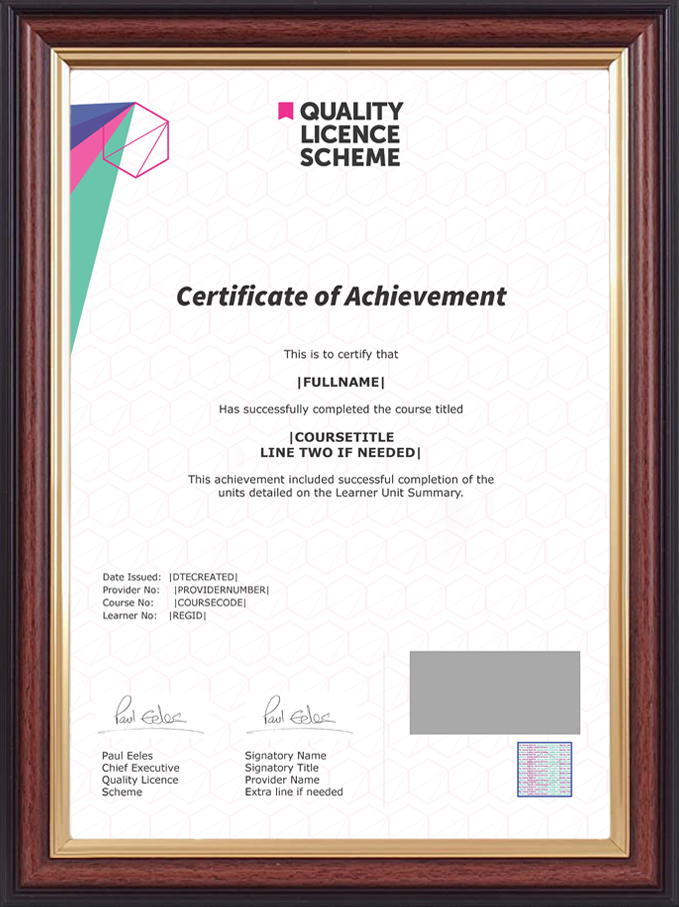
After successfully passing the Animated Video Presentation MCQ exam, you will be eligible to order the Endorsed Certificate by Quality Licence Scheme. The Quality Licence Scheme is a brand of the Skills and Education Group, a leading national awarding organisation for providing high-quality vocational qualifications across a wide range of industries. It will give you a competitive advantage in your career, making you stand out from all other applicants and employees. There is a Quality Licence Scheme endorsement fee to obtain an endorsed certificate, which is £65.
Certificate of Achievement from Lead Academy
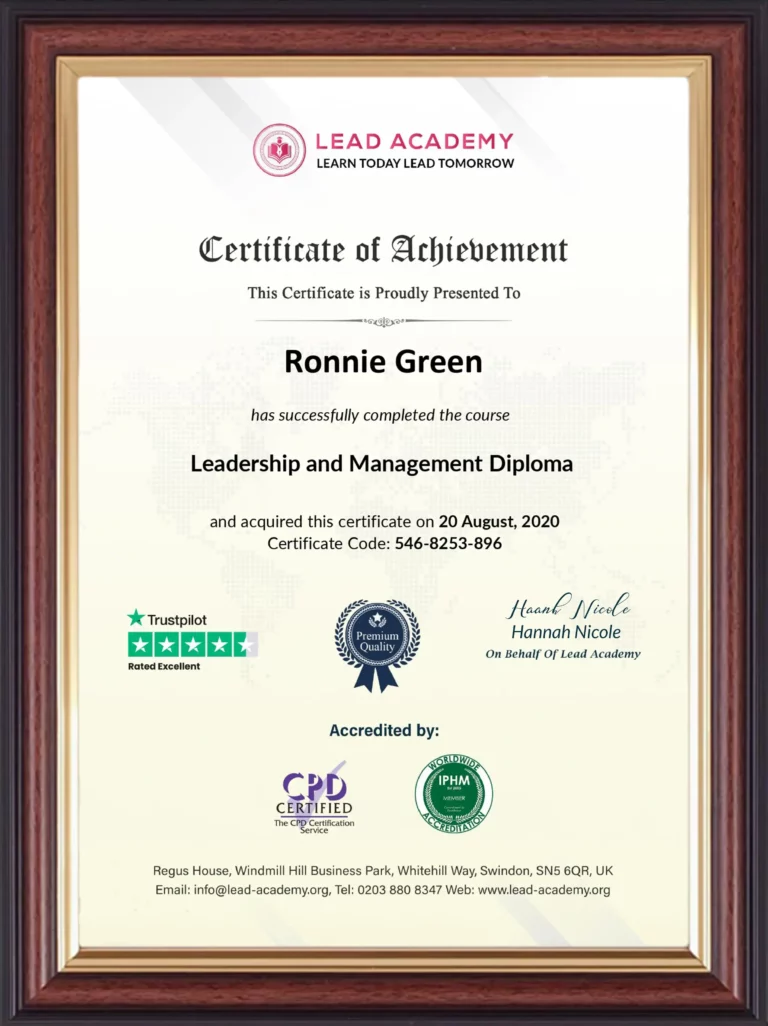 After successfully passing the Cartoon Presentation MCQ exam, you will be eligible to order your certificate of achievement as proof of your new skill. You will receive a CPD-accredited PDF certificate free of charge, which is included with the course. There is an additional fee to obtain a printed copy of the CPD-accredited certificate, which is £35.
Hardcopy Certificate Shipping Fee

Success Story

 Customer Reviews

 Verified
Perfect for After Effects Beginners
I was new to After Effects and unsure where to start. This course broke everything down step-by-step, making it super easy to follow and understand.
VerifiedHelped Me Create Professional Presentations
I work in marketing, and I’ve always wanted to make animated presentations. This course helped me add a professional touch to my slides, and my team loves them!
 Verified
Great for Creative Thinkers
I love experimenting with design, and this course gave me so many creative ideas to implement in animated presentations. It’s been such a fun learning experience!
VerifiedPractical and Actionable Tips
This course wasn’t just theory—it had real, actionable steps. I could implement the concepts immediately, and my animations turned out great.
VerifiedExcellent Instructor Support
The instructor was amazing! Anytime I had a question, I got a helpful response within a day. The support really made a difference.
VerifiedPerfect for Freelancers
I started making freelance animated presentations recently, and this course taught me everything I needed to deliver professional results to my clients.
 Verified
Taught Me to Save Time
Animating presentations used to take me hours. With the shortcuts and techniques I learned, I can now create stunning slides in no time.
VerifiedMade After Effects Less Intimidating
After Effects always looked overwhelming, but this course made it approachable. Now, I’m not scared to explore and try new features on my own!
VerifiedHelped Me Create Value for Clients
I work in video production, and this course expanded my skill set. My clients are thrilled that I now offer animated presentation services.
VerifiedFlexible Learning Experience
The course was divided into manageable sections so I could learn at my own pace. It fits perfectly into my busy schedule.
 Verified
Great Visual Examples
The visuals and examples used during the course were very helpful. Seeing how things worked step-by-step made it easy to implement on my projects.
VerifiedEngaging and Well-Structured
The lessons were clear, organized, and easy to follow. The instructor made even complex techniques feel simple with their explanations.
CPD is globally recognised by employers, professional organisations and academic intuitions, thus a certificate from CPD Certification Service creates value towards your professional goal and achievement. CPD-certified certificates are accepted by thousands of professional bodies and government regulators here in the UK and around the world.
Although QLS courses are not subject to Ofqual regulation, they must adhere to an extremely high level that is set and regulated independently across the globe. A course that has been approved by the Quality Licence Scheme simply indicates that it has been examined and evaluated in terms of quality and fulfils the predetermined quality standards.
For CPD accredited PDF certificate it will take 24 hours, however for the hardcopy CPD certificate takes 5-7 business days and for the Quality License Scheme certificate it will take 7-9 business days.
Yes, you can pay via Invoice or Purchase Order, please contact us at info@lead-academy.org for invoice payment.
Yes, you can pay via instalments at checkout.
Our platform provides easy and comfortable access for all learners; all you need is a stable internet connection and a device such as a laptop, desktop PC, tablet, or mobile phone. The learning site is accessible 24/7, allowing you to take the course at your own pace while relaxing in the privacy of your home or workplace.
No, there is no age limit for online learning. Online learning is accessible to people of all ages and requires no age-specific criteria to pursue a course of interest. As opposed to degrees pursued at university, online courses are designed to break the barriers of age limitation that aim to limit the learner’s ability to learn new things, diversify their skills, and expand their horizons.
After successfully purchasing the course, you will receive an email within 24 hours with the login details of your course. Kindly check your inbox, junk or spam folder, or you can contact our client success team via info@lead-academy.org